BestBuild - Construction WordPress Theme
Themeforest BestBuild - Construction WordPress Theme WordPress Theme



*Images used in the theme demo that do not belong to us for 100% are replaced with placeholders





BestBuild | Construction, Building and Architecture WordPress Theme is a corporate theme designed and developed particularly for Construction, Building and Architecture companies or those with similar services after long and thorough research of real Construction Company websites.
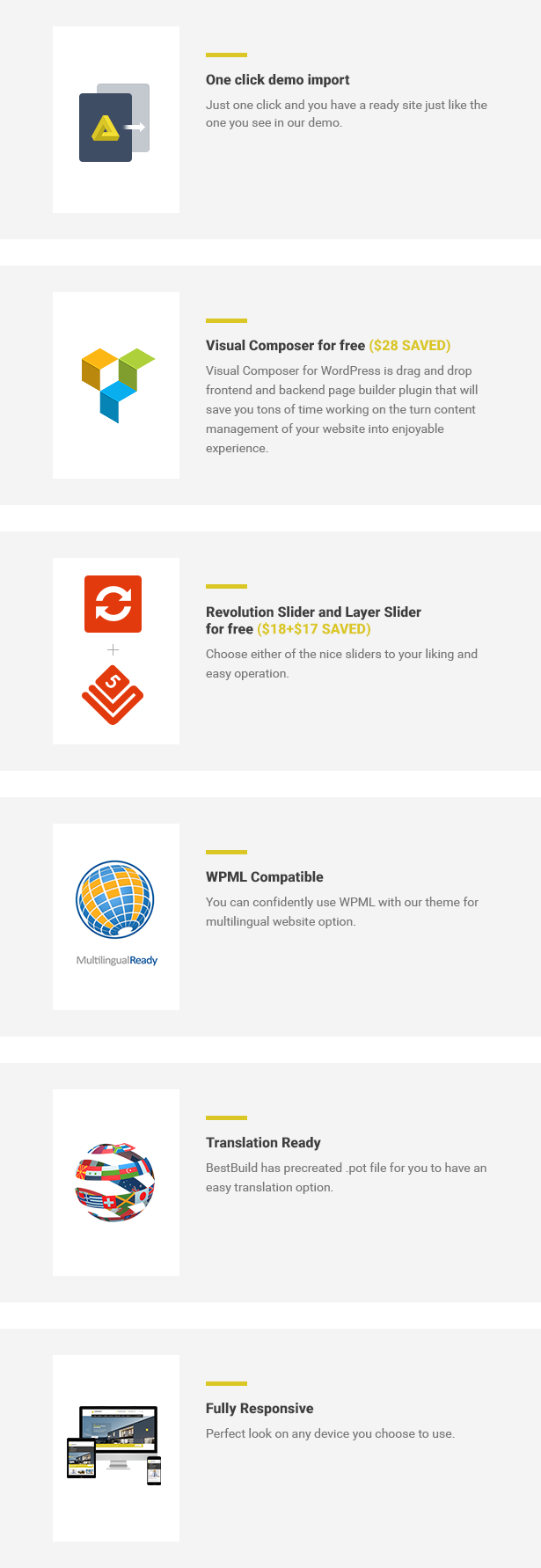
We built this theme on Visual Composer, a very convenient drag-n-drop PageBuilder for WordPress. It should provide you with the smoothest experience while creating your website with our theme.
BestBuild is fully responsive, every gadget will have its looking as nice as on a PC. We also pre-created several layouts for your best convenience to show you the great flexible possibilities of our theme.
Key Features:
- WooCommerce ready
- Built with HTML5 and CSS3
- Cross-Browser Compatibility: FireFox, Safari, Chrome, IE9+ included
- Fully Responsive (Tested on Multiple Devices)
- Visual Composer Plugin (28$ Value Saved)
- Slider Revolution Plugin (18$ Value Saved)
- Layer Slider Plugin (17$ Value Saved)
- FontAwesome and Construction icons
- One Click demo data import
- Demo content files included.
- Documentation included.
- 24/5 Premium Support
*Images used in the theme demo that do not belong to us for 100% are replaced with placeholders
Changelog
Support:
Please do not hesitate to contact us on Themeforest. If you face problems with this template just send us an email. We can also customise this template for an extra charge.
We Recommend Professional WordPress Maintenance & Customization Service






good day,
ReplyDeleteI have a problem with the layer slider, since it does not show me the images in the preview so I can edit it so I can not know how it is at the time of editing
Hi,
ReplyDeletePlease contact our support engineers via Ticket system and they will check your site for you.
regards